PDF Maker: Scan, Sign, Reduce
Scan, sign, merge & compress PDFs. No watermark, no login, works offline.
Coming soon to Google Play
Trailer
Scan, sign, merge & compress PDFs. No watermark, no login, works offline.
Scan, sign, merge & compress PDFs. No watermark, no login, works offline.
Trailer coming soon
About PDF Maker
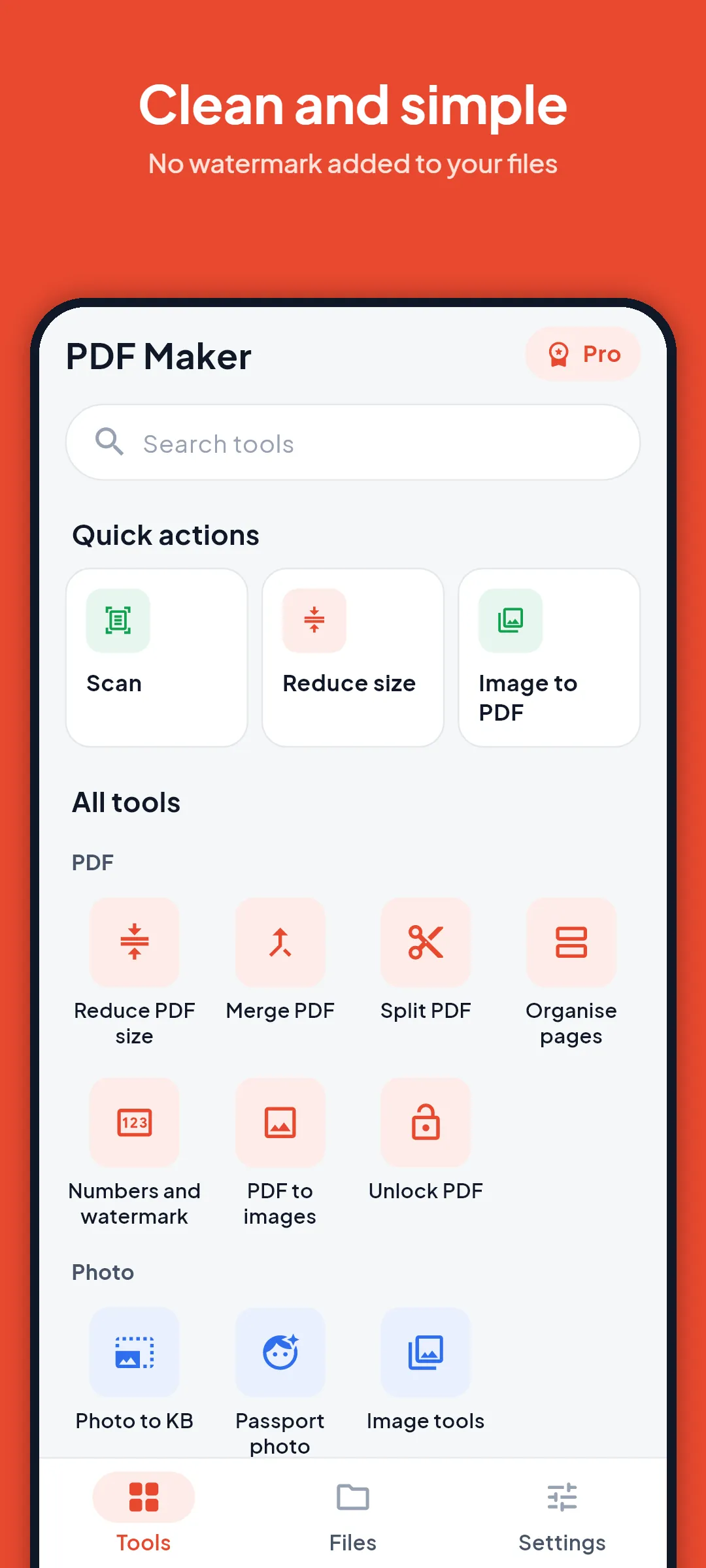
PDF Maker puts the everyday PDF jobs in one small app: scan to PDF, sign PDF, merge PDF, split PDF, reduce PDF size and turn photos into a PDF. Your files are worked on inside your phone. There is no account and no login.
REDUCE PDF SIZE
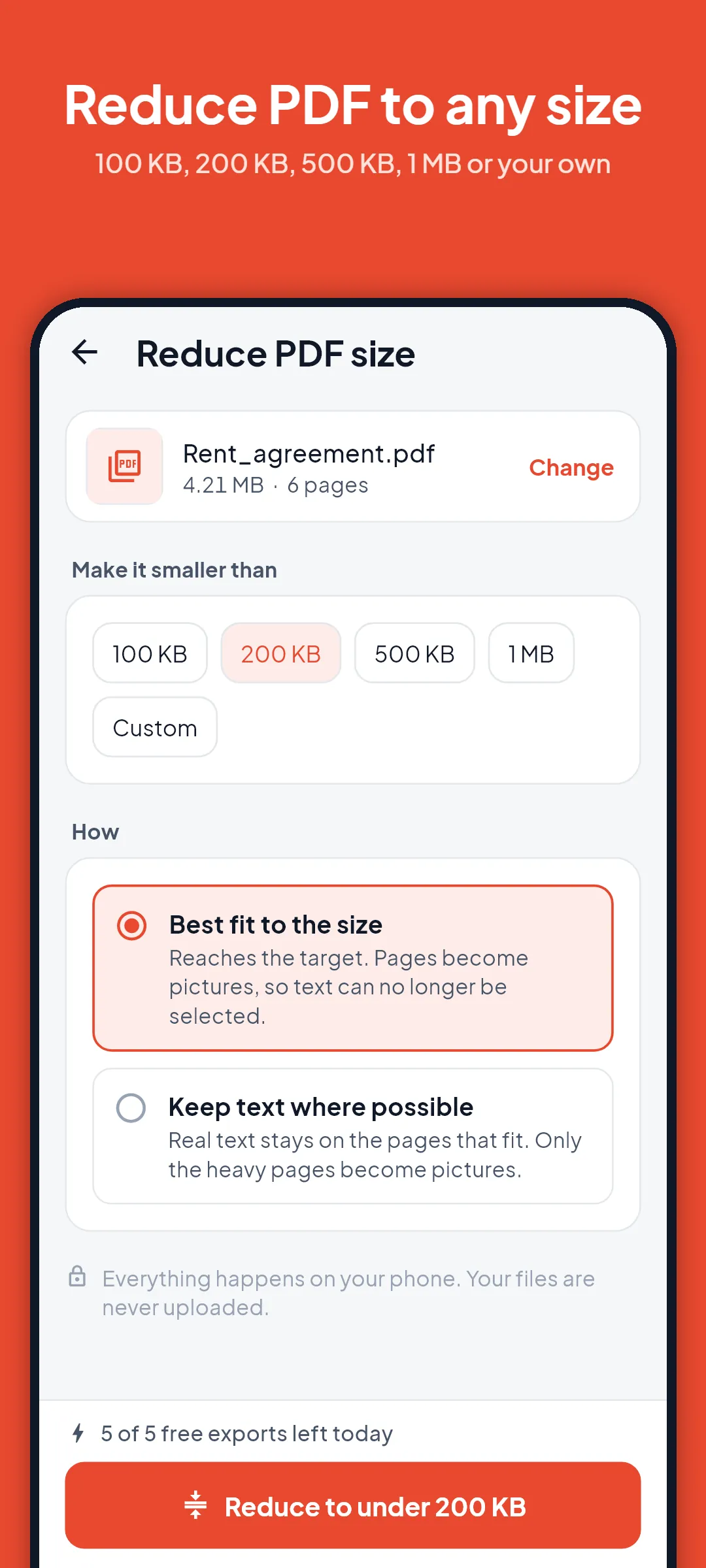
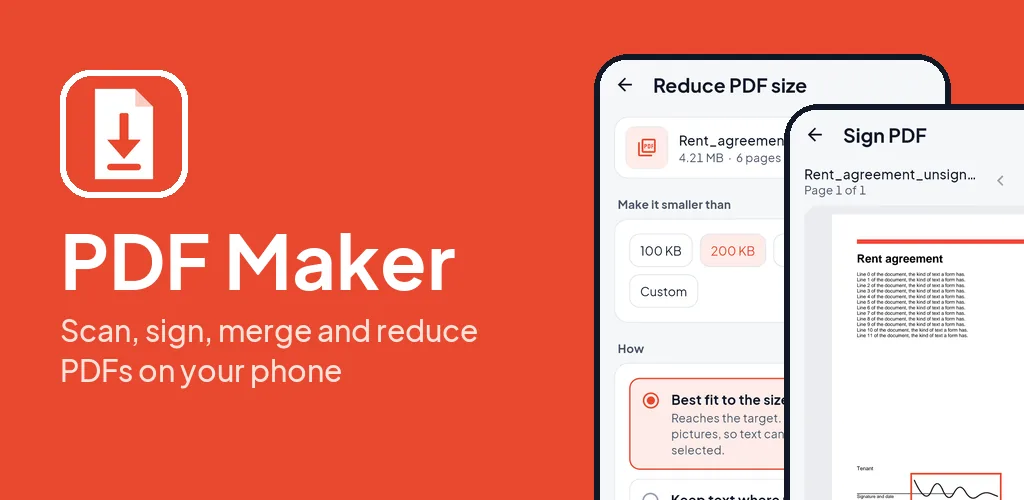
Pick a size target such as 100 KB, 200 KB, 500 KB or 1 MB, or type your own, and the app reduces the PDF to fit. It shows the size before and after, and tells you plainly when a target is too small for the file. When a PDF has selectable text, the app warns you before it turns pages into pictures. Your original file is never changed.
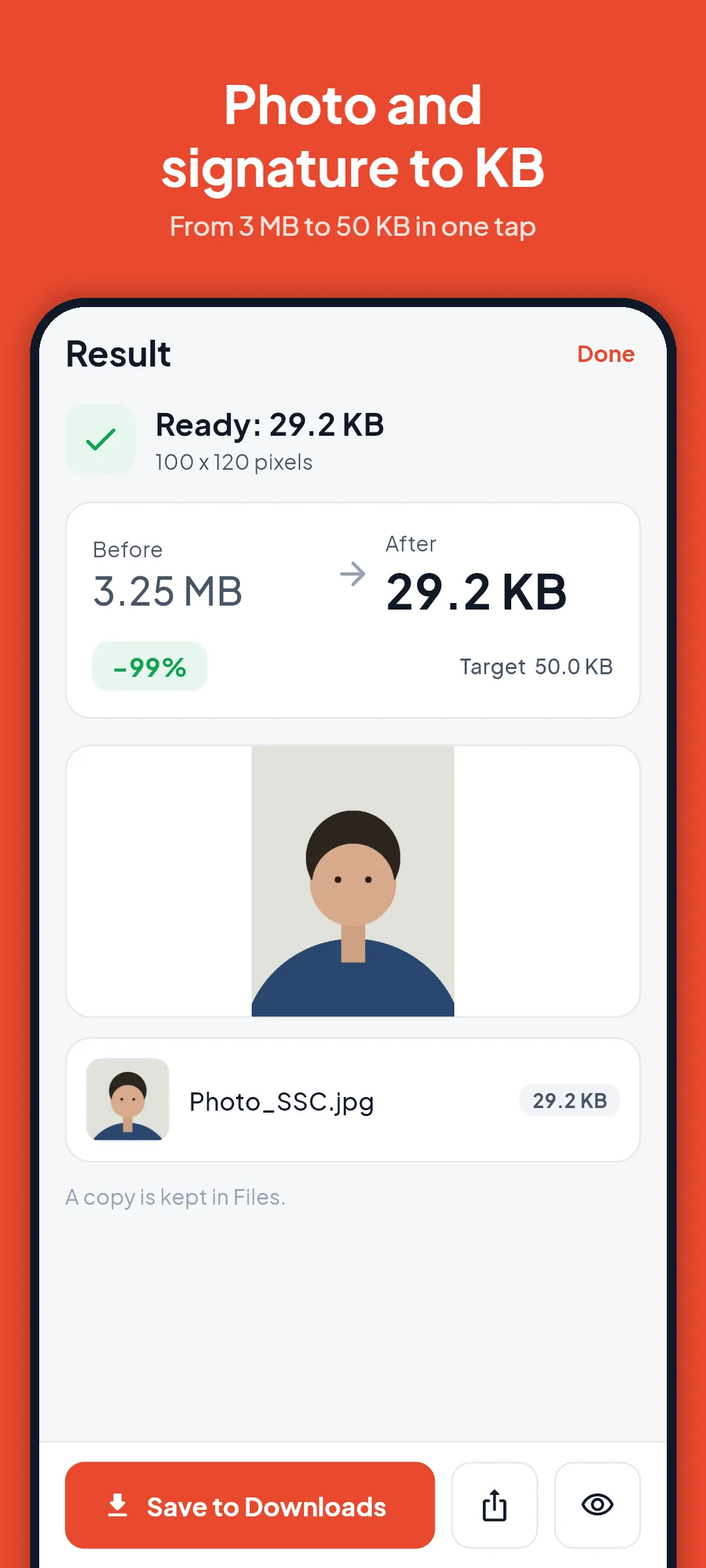
PHOTO AND SIGNATURE TO KB
Shrink a photo or a signature to a size in KB for an online form. Choose a general size or a preset for common Indian application forms (SSC, IBPS, PAN and more). Sizes on forms change, so always check the official notice for the size your form asks for. PDF Maker is not connected to any government body or exam board.
SCAN TO PDF
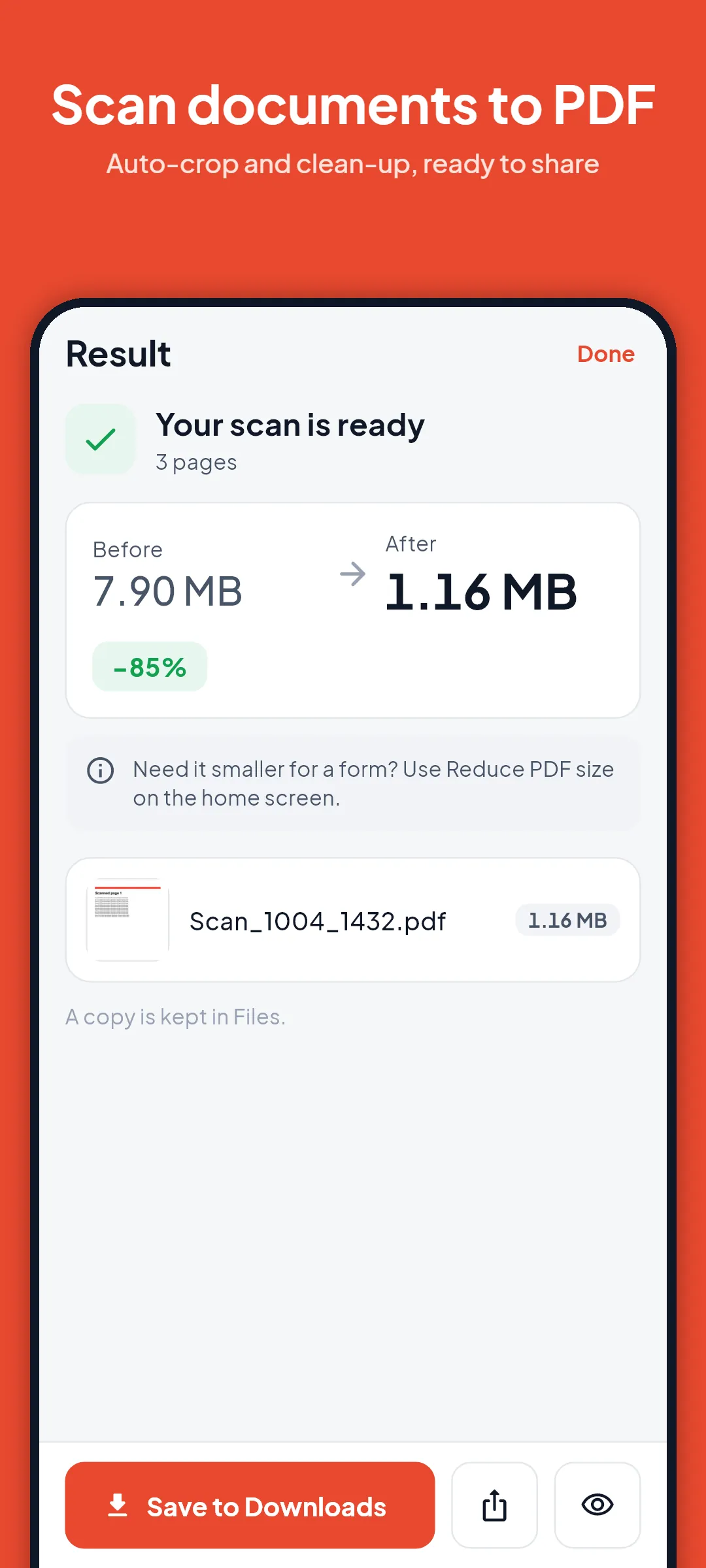
Scan paper with the Google document scanner built into Google Play services: automatic edge finding, straightening and clean-up, several pages in one PDF. Add pictures from your gallery inside the scanner.
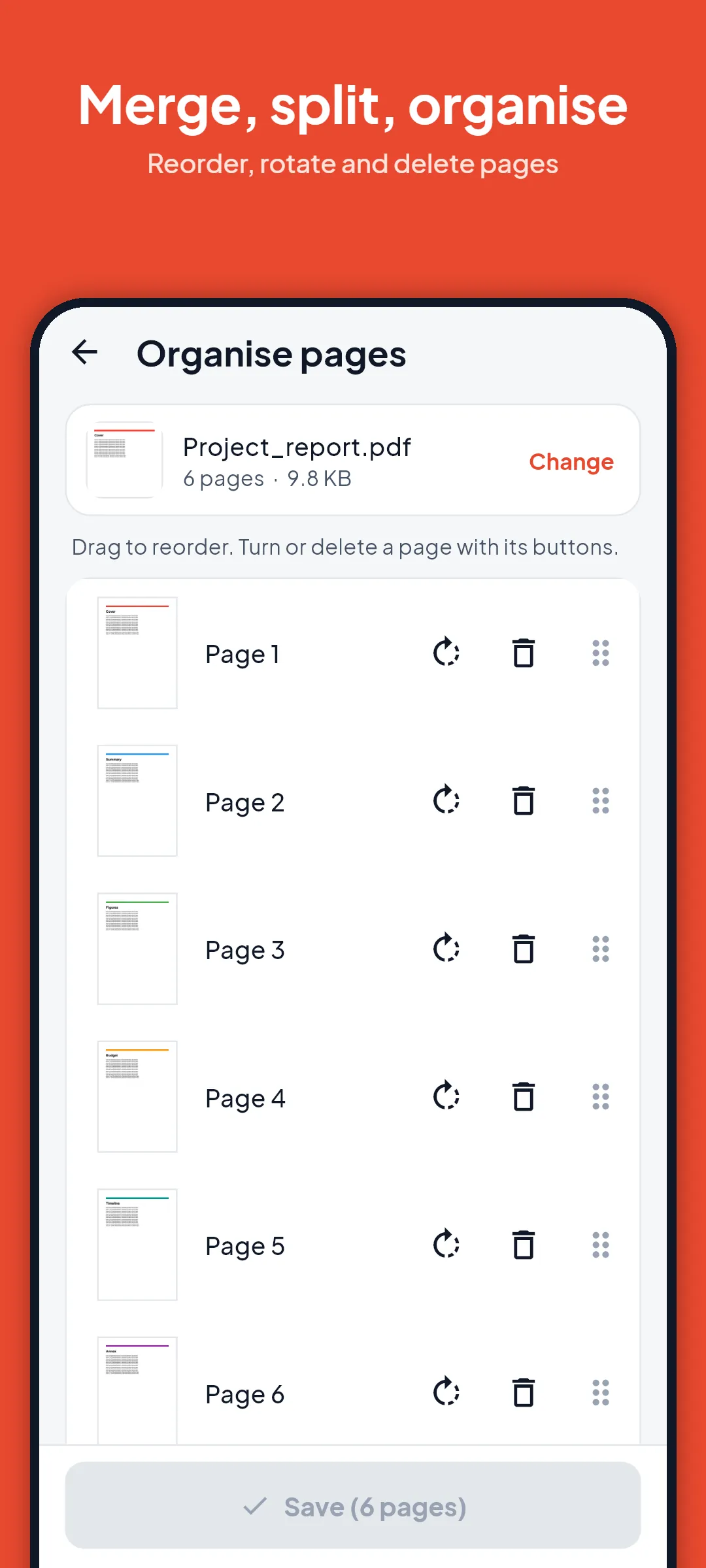
IMAGE TO PDF, MERGE, SPLIT, ORGANISE
Turn photos into a PDF, join PDF files in the order you want, split by page ranges or every N pages, and reorder, rotate or delete pages. Merge, split and image to PDF have no daily limit.
SIGN PDF
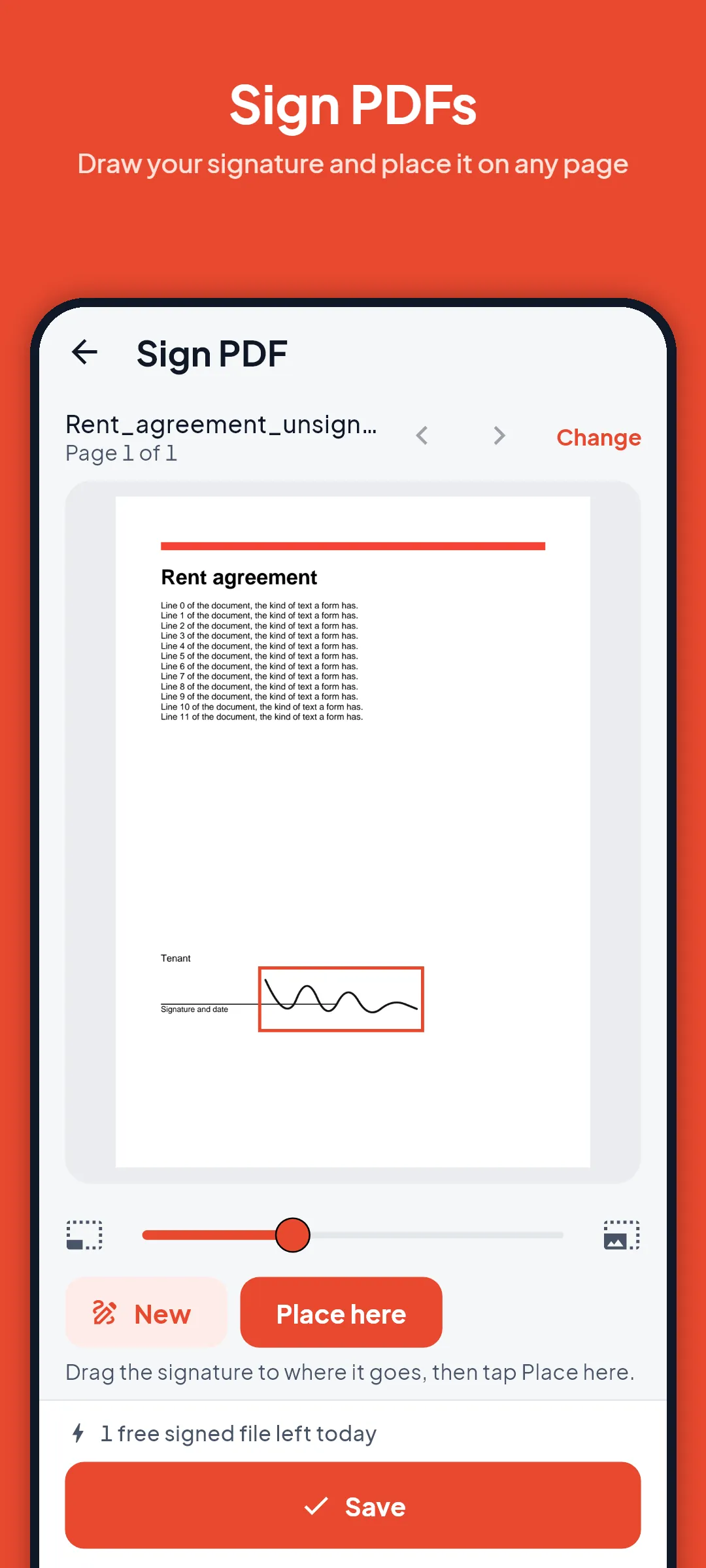
Draw your signature with a finger, type it, or keep one for next time, then drag it to the right spot on any page.
MORE TOOLS
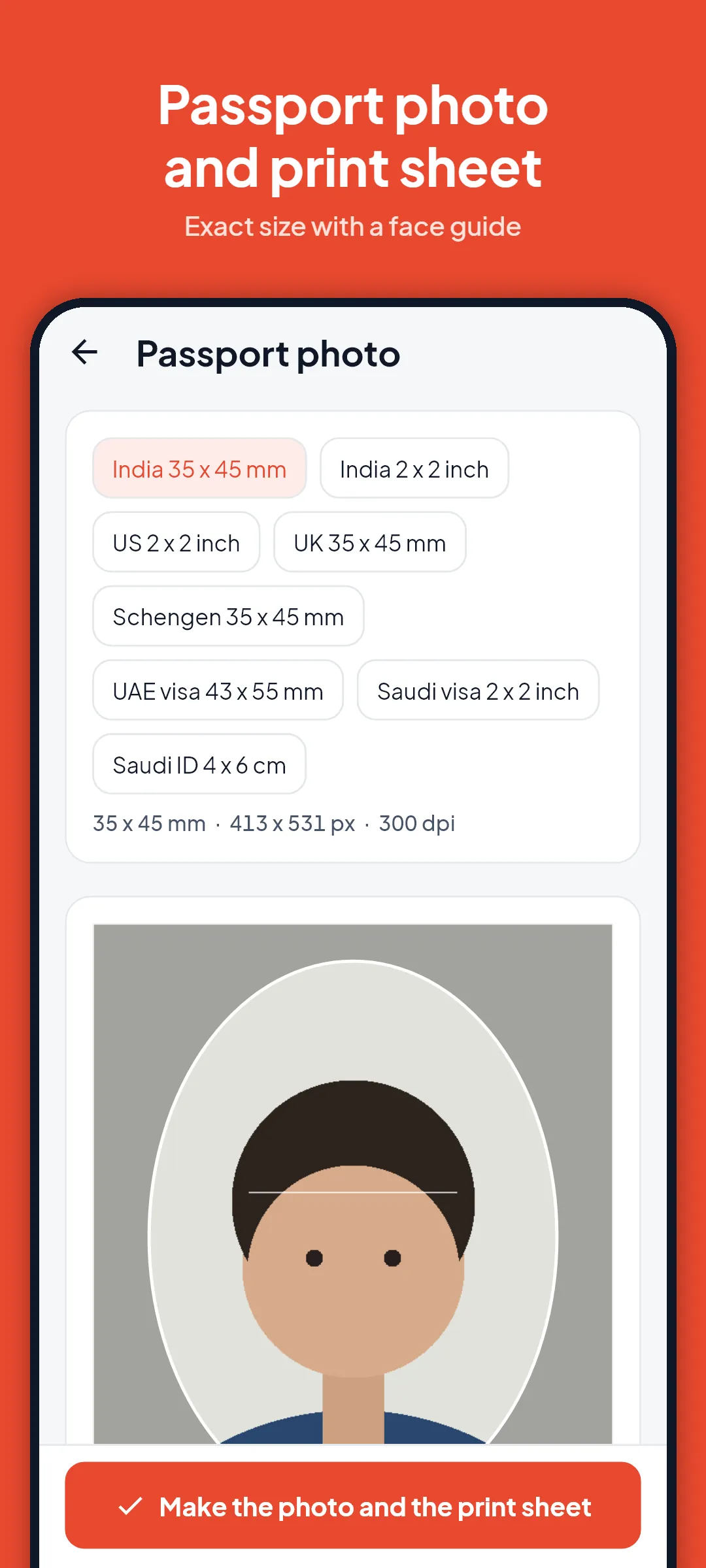
- Passport photo: exact size, a face guide and a 4 x 6 inch print sheet with several copies
- PDF to images (JPG or PNG)
- Page numbers and your own watermark text
- Text from image (OCR): copy text from a photo or scan, Latin and Devanagari scripts
- Image tools: convert JPG, PNG and WebP
- Unlock a PDF whose password you know
- Open PDFs and pictures from WhatsApp, Gmail or Files with Share or Open with
- Dark mode, English and Hindi
PRIVATE BY DESIGN
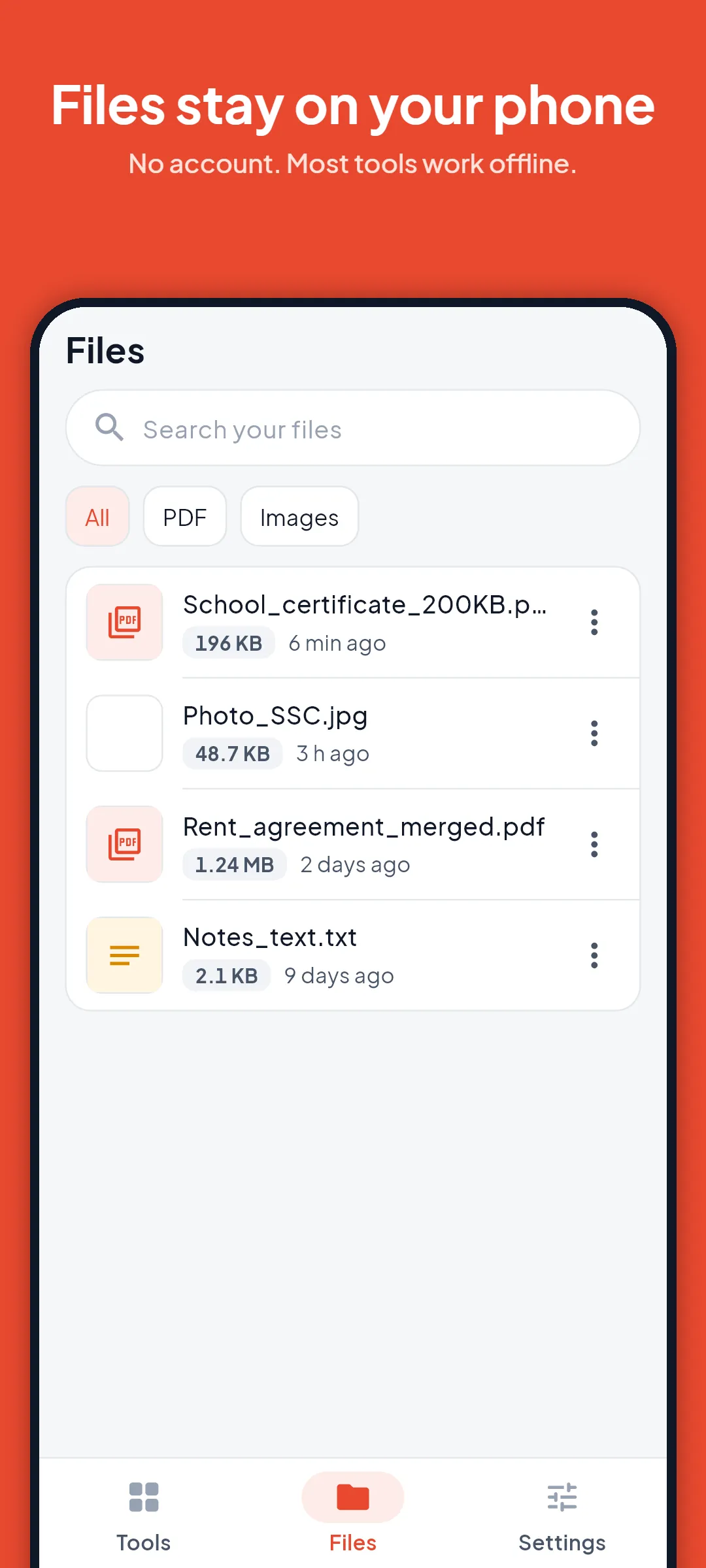
PDF Maker does not upload your PDFs, photos, scans or signatures. The app asks for no storage, camera, contacts or location permission: you choose files with the Android pickers. Results are kept in the app's private My files folder until you save or share them. The app adds no watermark of its own to your files. Most tools work offline; scanning and text reading may need a connection the first time, so Google Play services can download its model.
PRO, STATED PLAINLY
Image to PDF, merge and split are free without a daily limit. The free plan includes 5 size-target exports a day (reduce PDF, photo to KB), 1 signed file a day, scans of up to 20 pages, and reading the text of one page or picture. Pro lifts those limits and adds batch shrinking of many pictures, reading text from several pages, unlocking PDFs, scans of up to 100 pages and larger input files. Free users may see ads; Pro removes them. Pro can be bought as a 7-day pass (one payment, it does not renew), a monthly or yearly subscription, or a one-time lifetime purchase. Prices are shown in the app before you pay. Subscriptions renew until you cancel in Google Play.