Convert Excel to PDF on your phone
A price list, a timetable or a bill is easier to share as a PDF than as a spreadsheet. PDF Maker converts an Excel sheet to PDF on your Android phone: pick the sheets, choose gridlines, and save. The file is not uploaded.

These steps are for PDF Maker, our Android app. The app does the work on your phone; this web page does not touch your files.
How to convert Excel to PDF
- Open PDF Maker and tap Excel to PDF in the Convert group.
- Tap Choose a document and pick the .xlsx file, from your phone or from Google Drive, Dropbox or OneDrive through Android's file picker.
- Under Sheets, choose All sheets or just the ones you need.
- Turn Show gridlines on for a classic spreadsheet look, or off for a clean table.
- Tap Convert to PDF, then save or share the PDF.
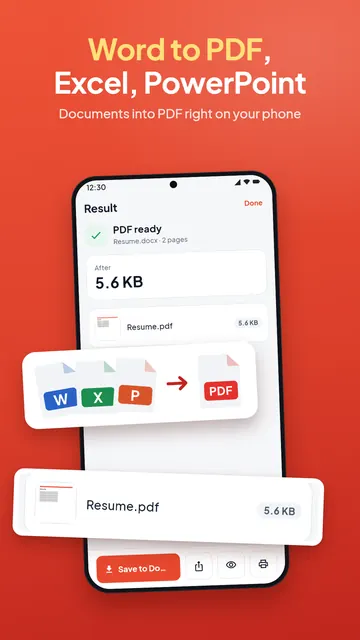
What goes into the PDF
The cells with their values as the sheet shows them, number formats, fonts, colours, borders, merged cells and column widths. Text in any script, Hindi and Arabic included, is shaped correctly.
Charts and pictures on the sheets are not shown, and the app tells you when that happens. A very long or very wide sheet is cut to its first rows or columns, again with a note, so check the PDF if your sheet is large. Splitting a huge sheet into smaller ones gives a more readable PDF anyway.
Which files work
- .xlsx, .xlsm and .xltx files.
- Old .xls files (Excel 97-2003) are not converted: save the file as .xlsx in a spreadsheet app first.
- A workbook locked with a password needs the password removed first.
Going the other way? PDF to Excel turns the tables of a PDF back into cells.
On your phone, no daily limit
The workbook is converted on the phone. Nothing is uploaded, there is no account, and Excel to PDF has no daily limit. If a portal wants the PDF under a size, reduce it to the KB size afterwards.
Questions
How do I convert an Excel sheet to PDF on my phone?
Open PDF Maker, tap Excel to PDF, choose the .xlsx file, pick the sheets and tap Convert to PDF.
Can I convert only one sheet?
Yes. Under Sheets, choose the sheet you need instead of All sheets.
Can I hide the gridlines?
Yes. Turn off "Show gridlines" before converting.
Are charts included?
No. Charts and pictures on the sheets are not shown in the PDF, and the app tells you when a sheet had them.
Can I convert an .xls file?
Save it as .xlsx in a spreadsheet app first, then convert it.